
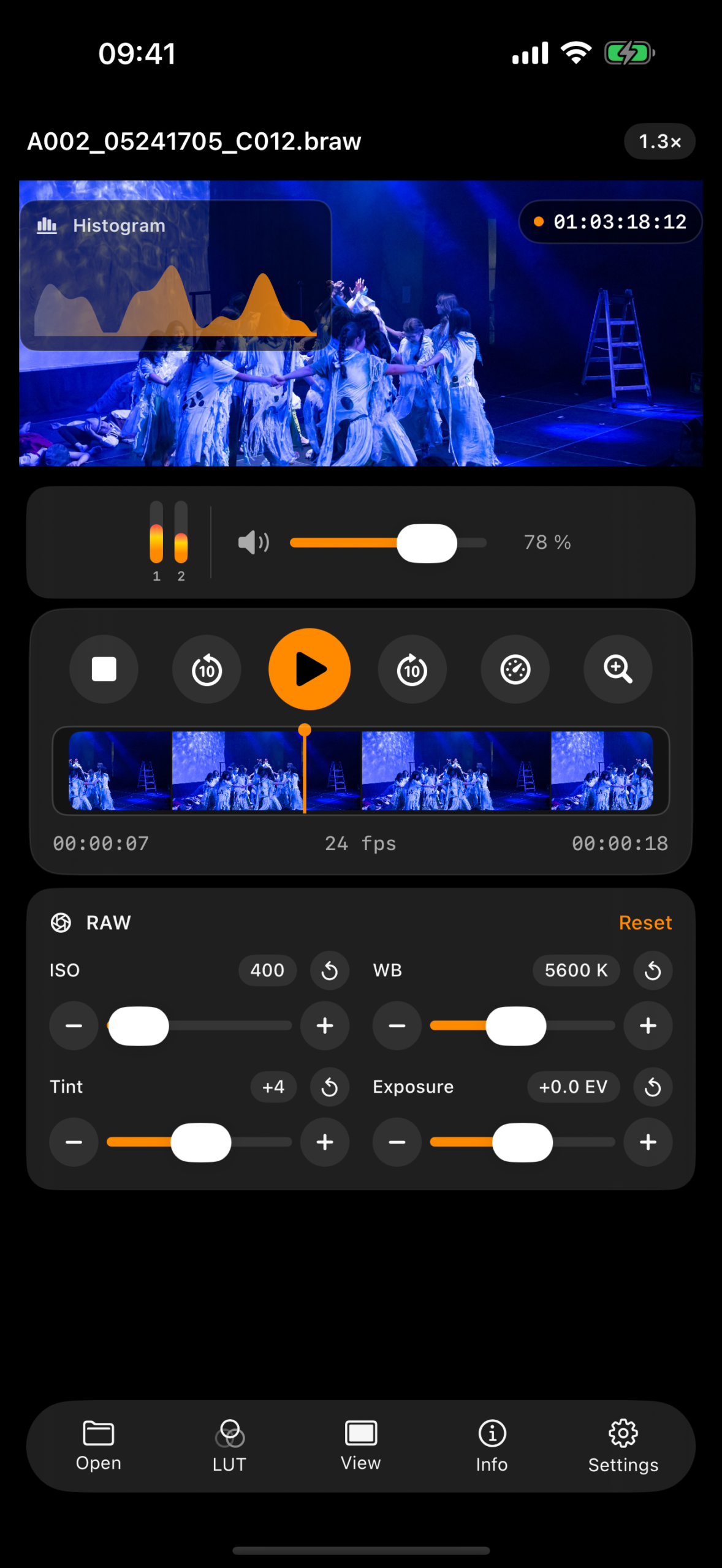
Cadris is a Blackmagic RAW player for iPhone and iPad. Open compatible .braw clips from Files or external storage, then review playback, metadata, audio and viewing controls in one focused mobile app.
Core Features
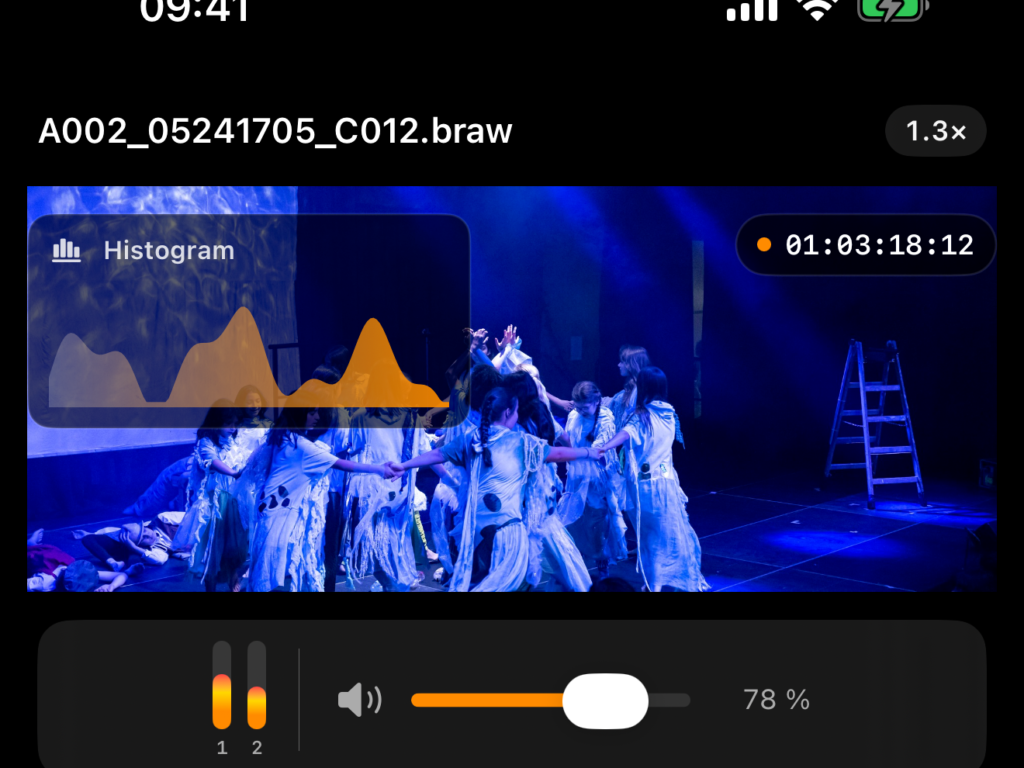
BRAW clips, opened where they live
Choose compatible .braw files through the iOS document picker. Cadris works with the file or storage location you select, including Files, iCloud Drive and compatible external media, instead of making an unsolicited copy of your footage.
Review the image and the take
Play, pause, scrub and jump through a clip with transport controls designed for fast checks. Audio meters and volume control make it easy to assess both picture and sound before moving on.


Metadata without the detour
See resolution, frame rate, duration, codec, file size and available camera information in the context of the selected clip. The essential technical record is one tap away from playback.
Frame the image you actually need to see
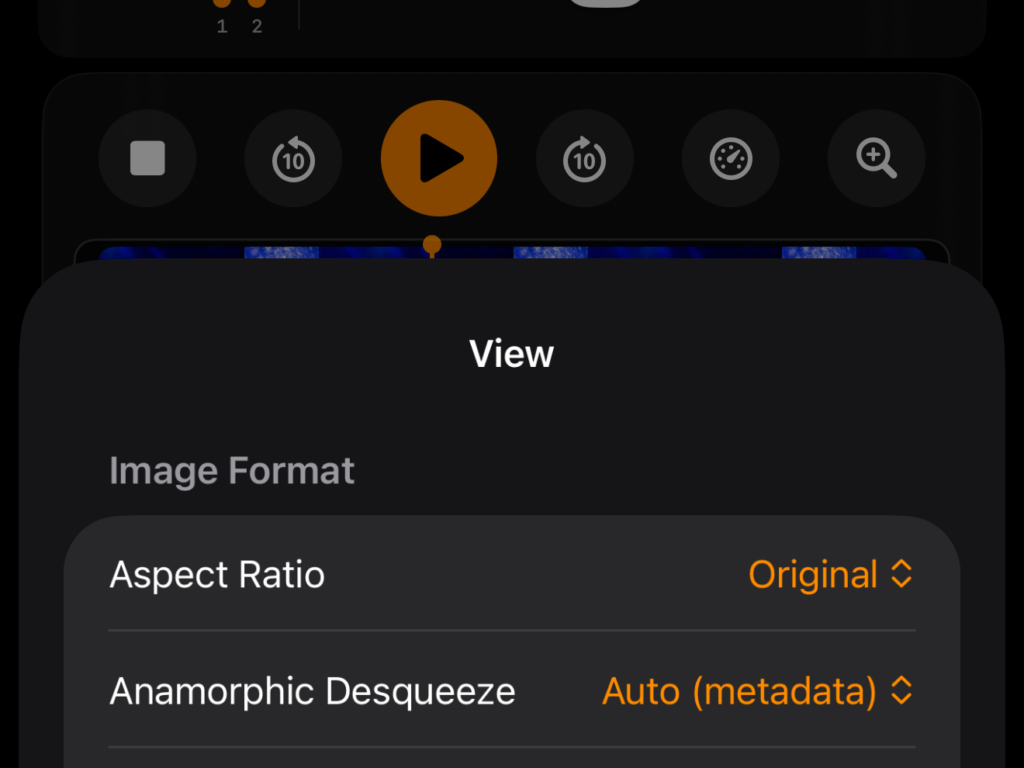
Switch between fit, fill, centre crop and letterbox views. Control aspect ratio, rotation and horizontal or vertical flip when a quick, practical image check matters more than a full grading environment.
Anamorphic and monitoring tools in one place
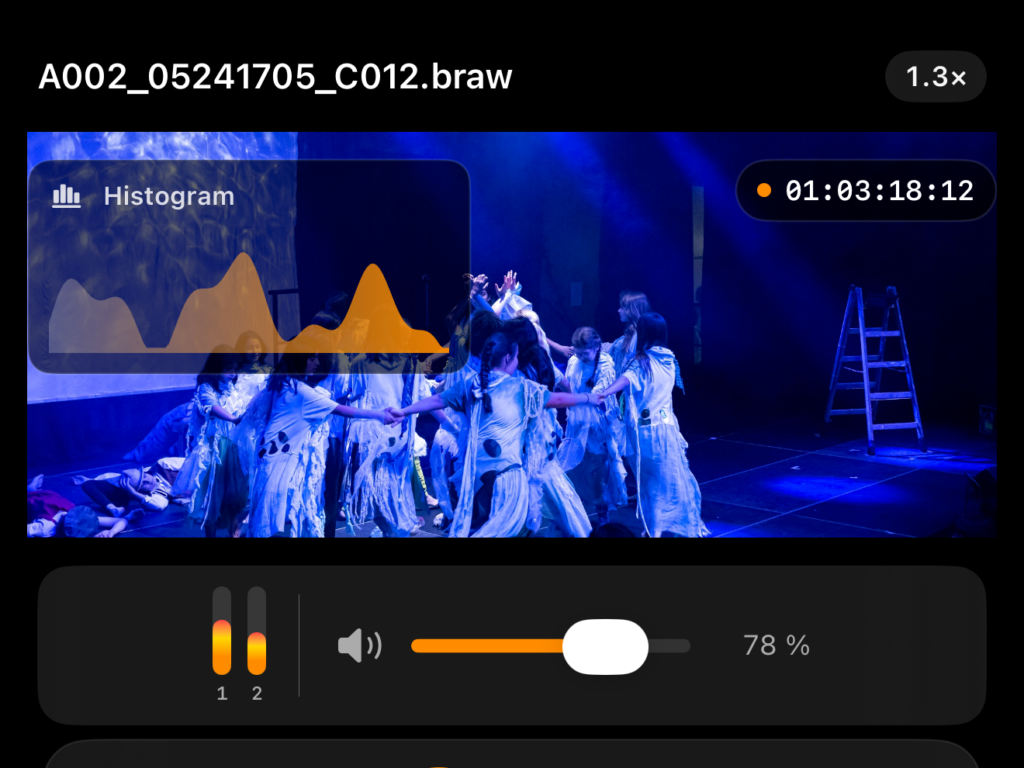
Use automatic or manual anamorphic desqueeze factors, and reveal optional histogram, waveform and timecode overlays when the decision calls for more than a clean image.
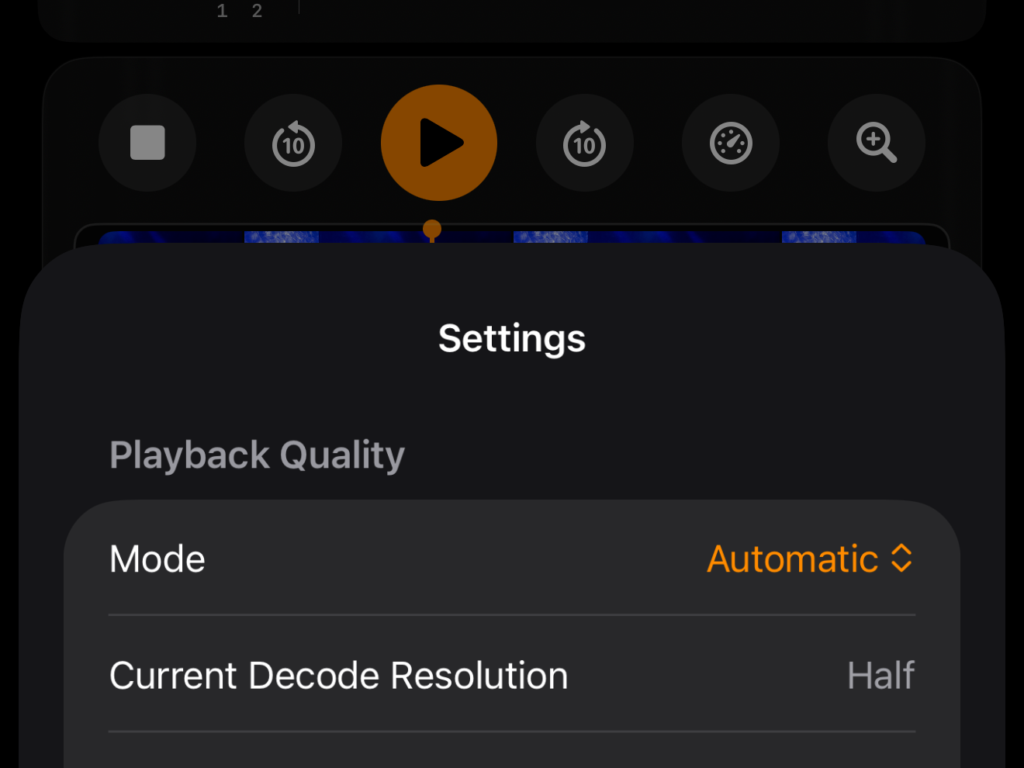
Quality that adapts to the device
Cadris adjusts decode resolution to the footage, viewport and playback load. Choose automatic, performance or quality-oriented behaviour to keep review practical on a mobile device.
Cadris features
Files and external storage
Open compatible .braw clips directly from the iOS Files picker, including Files, iCloud Drive and compatible external storage locations.
Playback controls
Play, pause, scrub and skip through a clip with a focused transport interface.
Audio meters
Check audio levels while reviewing footage and adjust playback volume in the player.
Clip metadata
Review resolution, frame rate, duration, codec, file size, audio details and available camera metadata.
Viewing controls
Set fit, fill, centre crop or letterbox views, then adjust aspect ratio, rotation and horizontal or vertical flip.
Anamorphic desqueeze
Use automatic or manual desqueeze factors to check anamorphic footage with the right display proportions.
Monitoring overlays
Optionally show histogram, waveform and timecode overlays over the image.
Adaptive playback quality
Let Cadris adapt decode resolution to the device and playback load, or choose performance- or quality-oriented behaviour.
LUT support
Select an embedded LUT when it is available in the clip, or import custom .cube LUT files for management in the app.
Focused mobile workflow
Keep playback, clip details, image controls and monitoring tools together without building a separate media library.
Coming soon: iPadOS compatibility
Cadris is coming to iPadOS, bringing the same focused Blackmagic RAW review workflow to a larger screen.