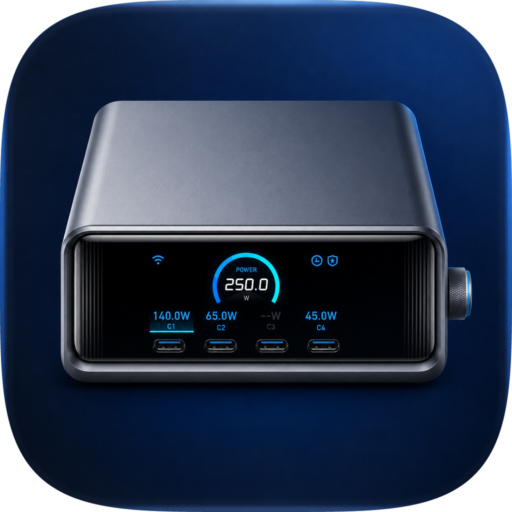
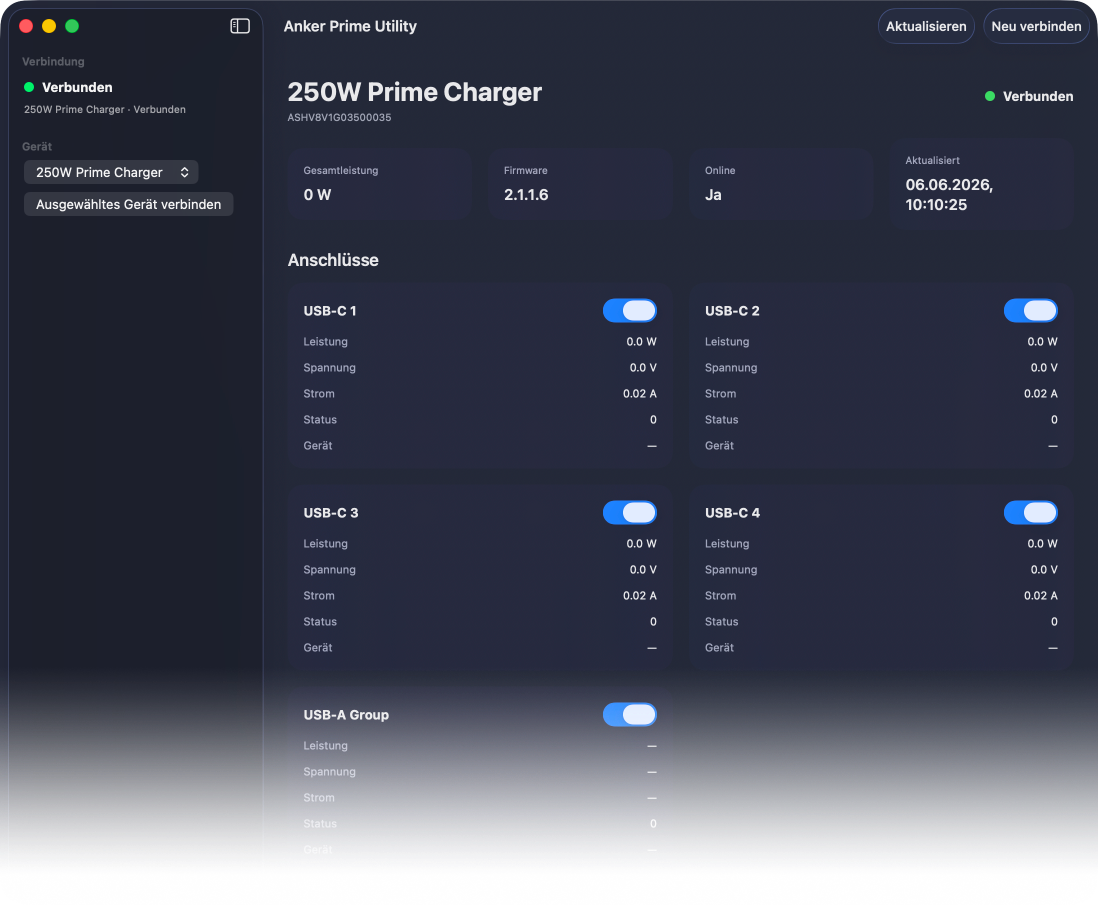
Anker Prime Utility brings monitoring and control of the Anker Prime Charger A2345 directly to macOS. Check total and per-port power, manage charging ports, and keep essential charger devices visible without reaching for a phone.
Core Features
At-a-Glance Power Monitoring
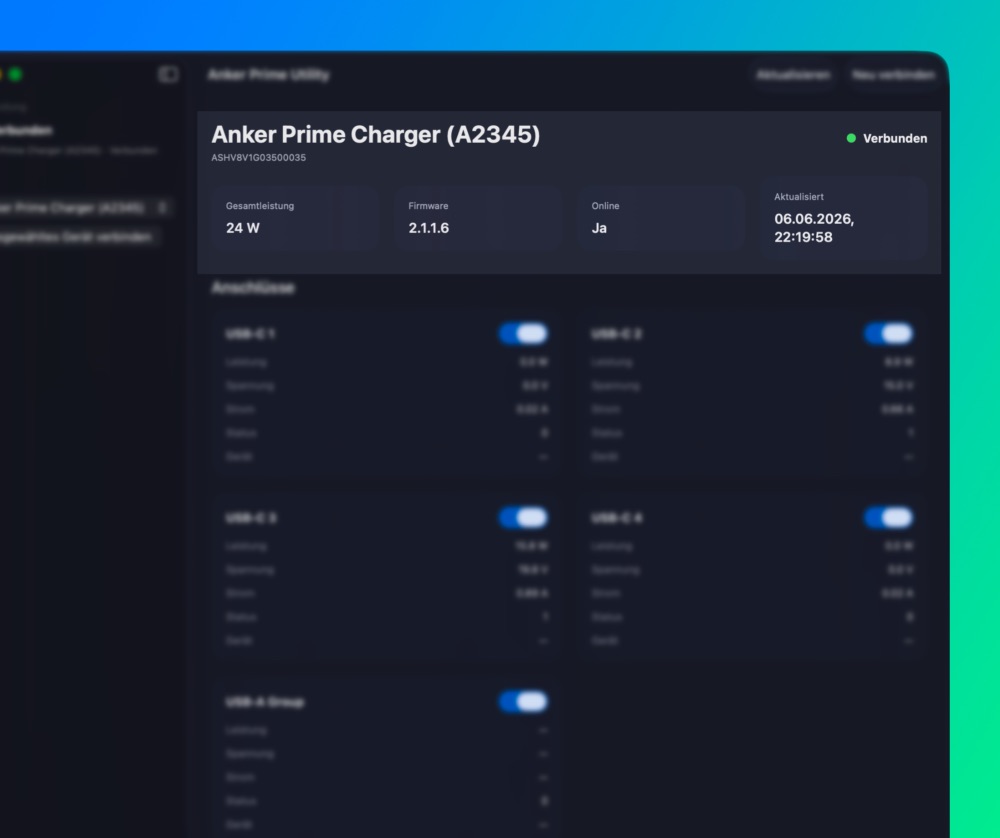
See total charger output, connection state, firmware version, and the latest update time in one clear overview.
Detailed Port Metrics
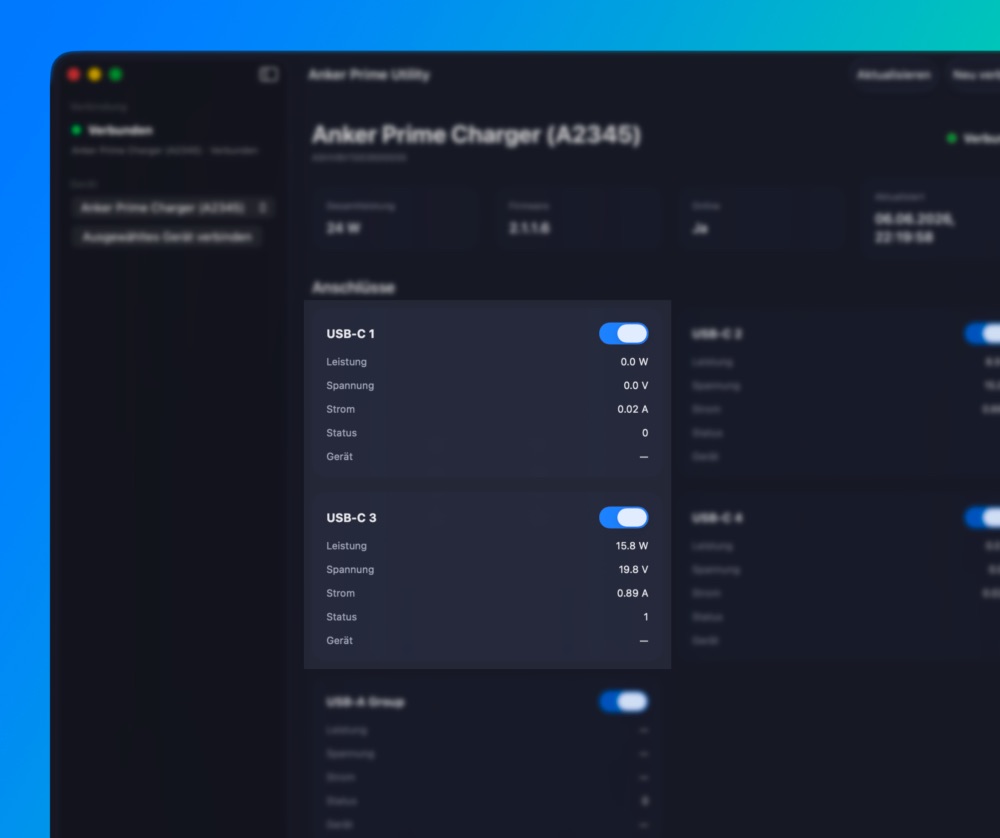
Monitor power, voltage, current, status, and available device information for each USB-C port and the combined USB-A group.
Individual Port Control
Switch supported charging ports on or off directly from your Mac, making it easier to manage connected accessories without disrupting the rest of the charger.
Device Discovery and Selection
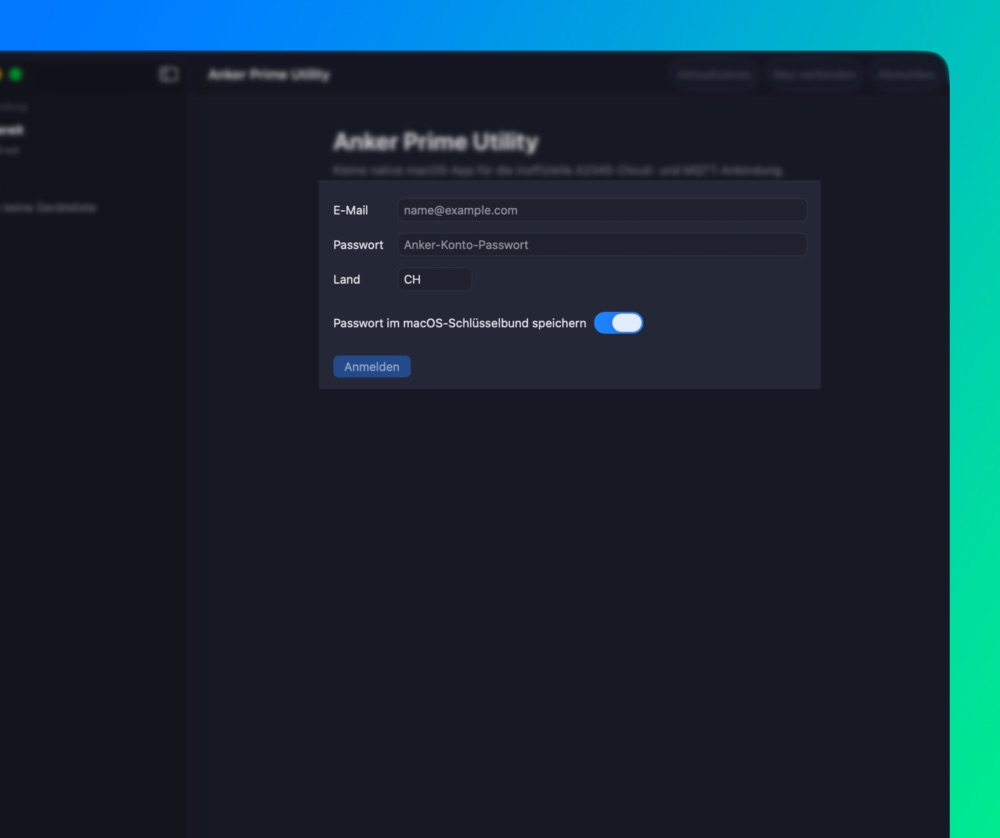
Sign in with your Anker account to discover and select compatible A2345 chargers associated with it.
Menu Bar Access
Keep current power draw and connection status visible from the macOS menu bar, with quick access to refresh, reconnect, settings, and the main window.
Technical note
Anker Prime Utility currently targets the Anker Prime Charger A2345 / 250W Desktop Charger. It uses unofficial Anker cloud and MQTT interfaces, may be affected by upstream changes, and is not affiliated with Anker.
Anker Prime Utility Features
Total Power Overview
See the charger’s combined output at a glance.
Per-Port Power
Monitor output for each USB-C port and the USB-A group.
Voltage and Current
Review available electrical values per connection.
Port Switching
Enable or disable supported ports from macOS.
Connected Device Details
View available device information for individual ports.
Live Status Updates
Follow charger activity through a near-real-time connection.
Polling Fallback
Maintain visibility when live updates become stale.
Auto Reconnect
Recover interrupted connections automatically.
Menu Bar Monitor
Keep power and connection status close at hand.
Flexible App Presence
Use the Dock, menu bar, or both.
Charger Discovery
Find compatible A2345 chargers linked to your account.
Multi-Device Selection
Select between discovered compatible chargers.
Session Restore
Reconnect to the last selected charger at launch.
Manual Refresh
Request current charger information on demand.
Connection Diagnostics
Inspect status, activity, errors, and recovery events.
Recent Logs
Review recent application and connection messages.
Raw Data View
Access decoded snapshot fields for advanced troubleshooting.
Launch at Login
Start monitoring automatically with the workstation.
App Updates
Check for new versions inside the application.